Open Scheduler
Access the scheduler to review the programmed workout for the facility and selected date.

Guide 00
Use the scheduler workflow to confirm the correct workout, date, and class timings before operators launch Smart Coach or the TV App.
Open the scheduler portal at app.ihitreset.com to sign in and review planned workouts.
Access the scheduler to review the programmed workout for the facility and selected date.
Confirm whether the team needs today's workout or tomorrow's workout before class preparation.
Review the planned time slots so the floor team knows what sessions should appear in Smart Coach.
If the workout or timing is wrong, correct the scheduler entry before escalating application issues.
Visual Walkthrough
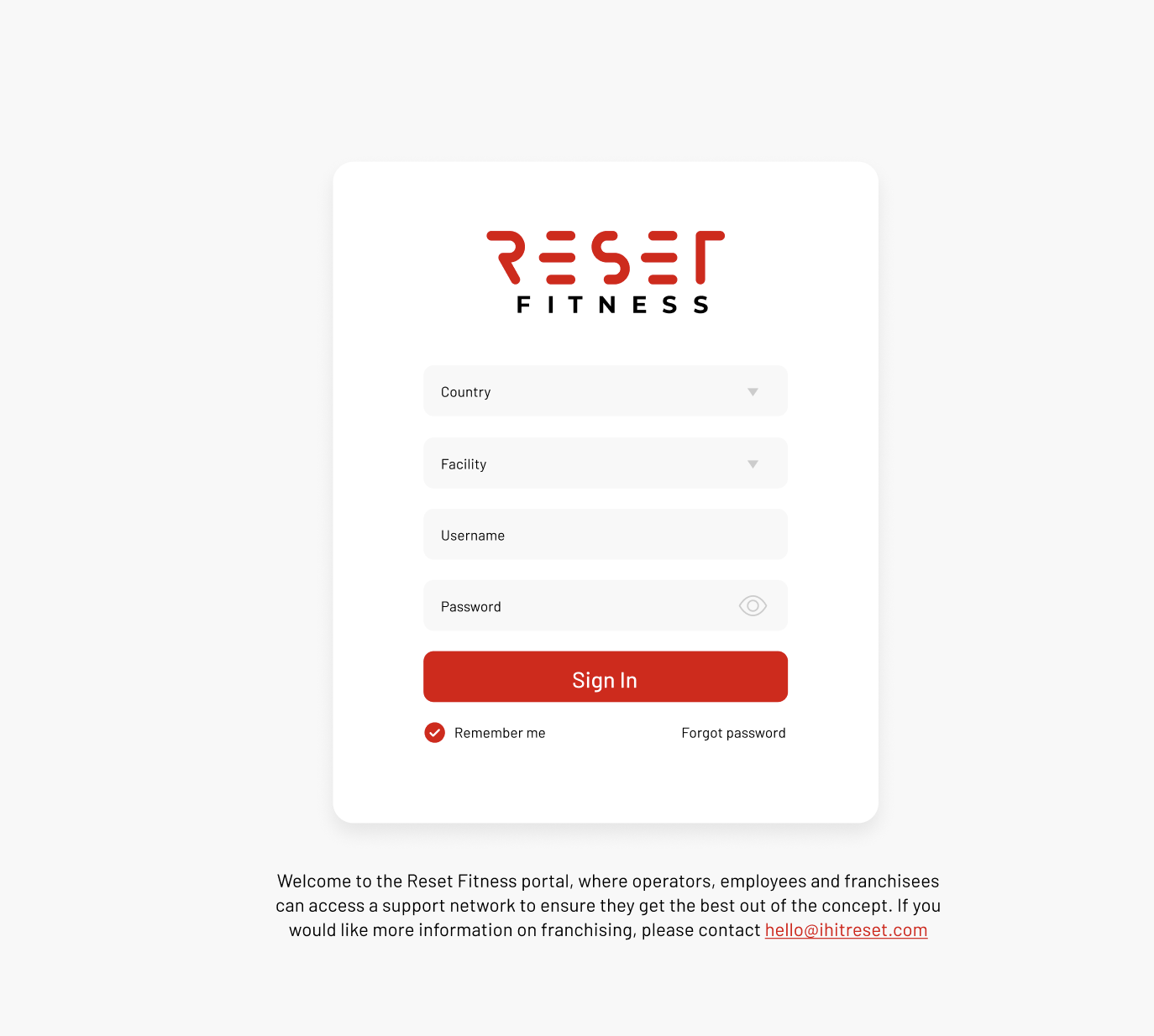
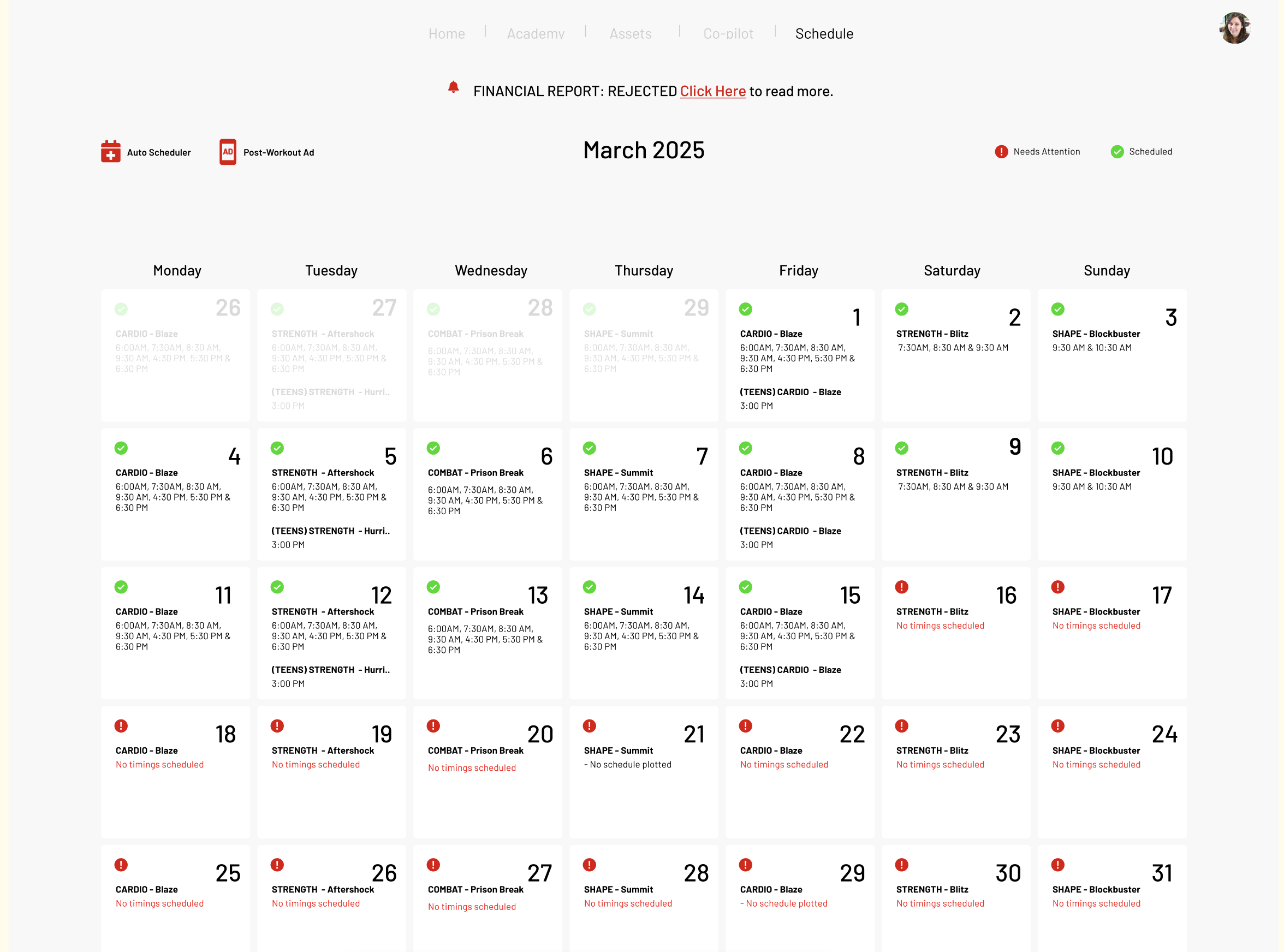
These screenshots show the scheduler login flow and the monthly schedule view operators can use to validate upcoming workouts.
Screen 01
Use the Reset portal login to access the scheduling system before checking class plans or validating missing workouts.
Screen 02
The scheduler page shows workouts across the month and helps operators quickly identify which sessions are scheduled and which entries need attention.
If Smart Coach shows no workout scheduled, the scheduler should be checked first before troubleshooting the app itself.
If the expected program is missing or incorrect, validate the scheduler entry for the correct date, studio, and session.
Scheduler review should happen before app launch so class delivery teams can spot issues early.