Login
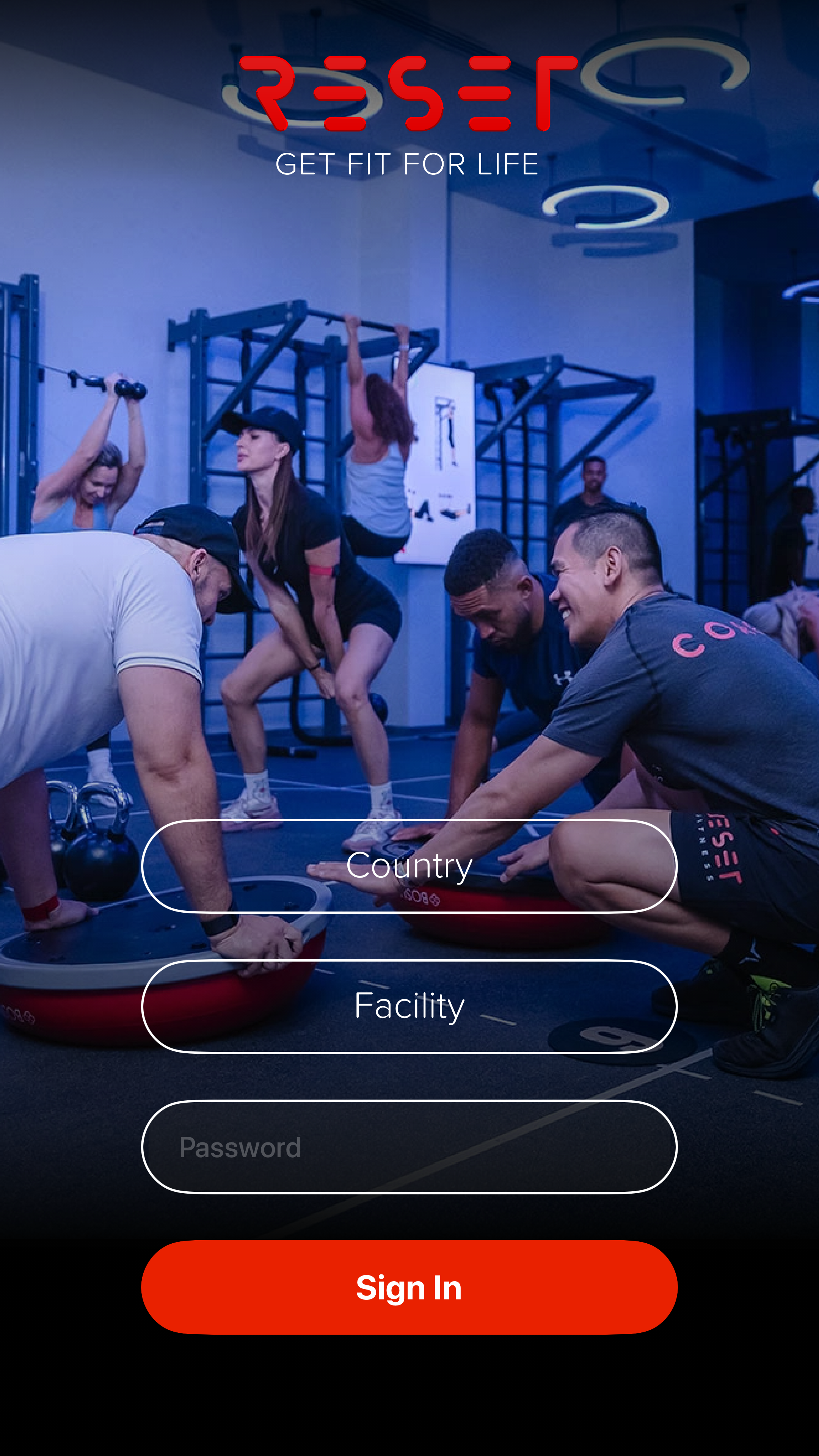
- Select Country.
- Select Facility.
- Enter Username.
- Enter Password.

Guide 01
One-time setup, launch sequence, audio routing, and session operations for TV1 through TV6.
Initial Setup
Daily Operations
Power on all TVs before the first session window.
Launch the Reset Fitness TV App across TV1 through TV6.
Complete the current session type and monitor playback consistency.
Exit the app and relaunch it for the next session type.
Visual Walkthrough
Use these screenshots to help operators identify the key TV App screens during setup, launch, and live class playback.
Screen 01
This is the first screen operators use when opening the TV App for a facility setup or daily login.
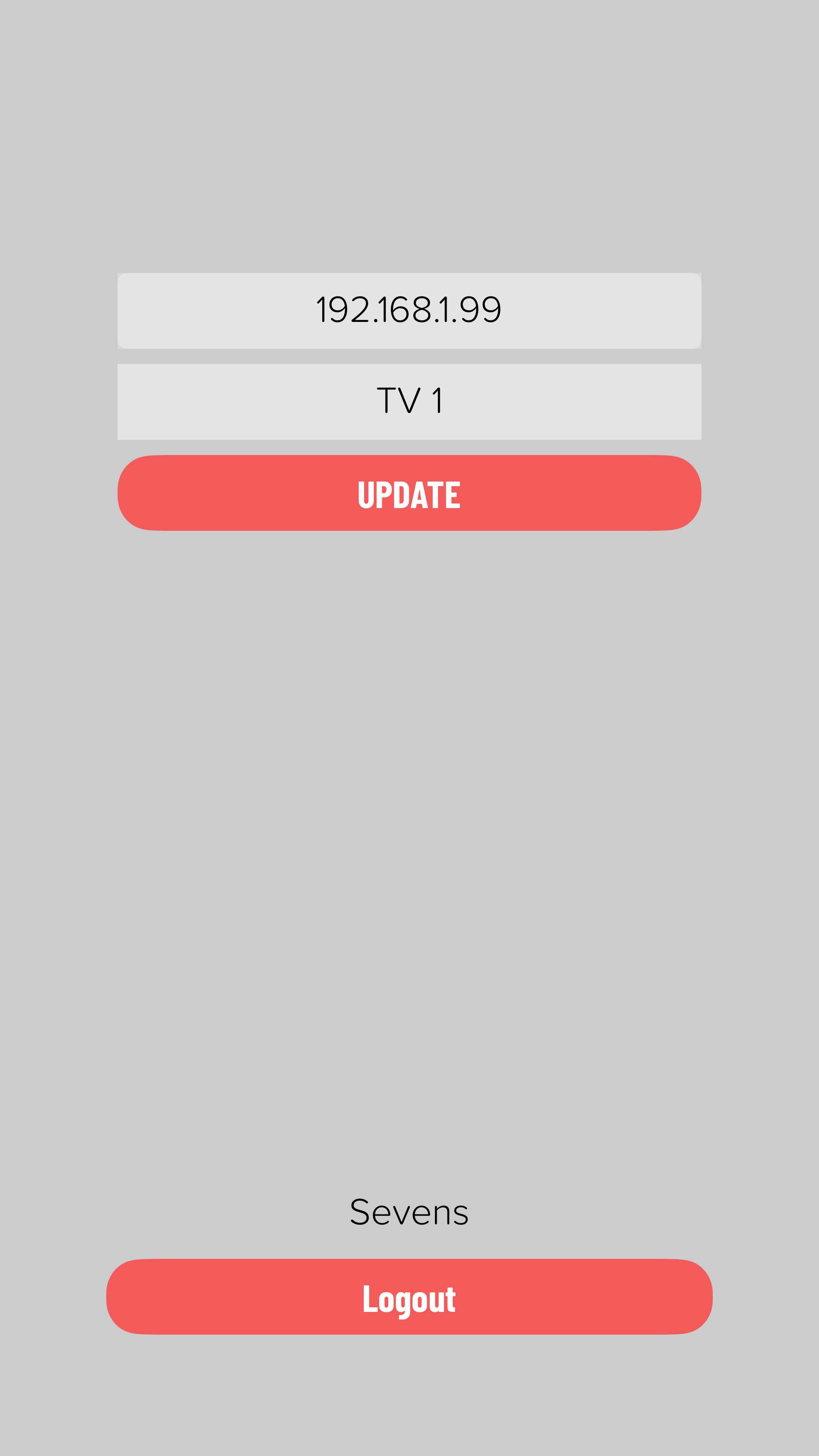
Screen 02
Use this screen during one-time setup to confirm the assigned IP address and map the app to the right TV number.
Screen 03
This screen shows the active program identity before the full workout begins, helping the team confirm that the correct workout is loading.

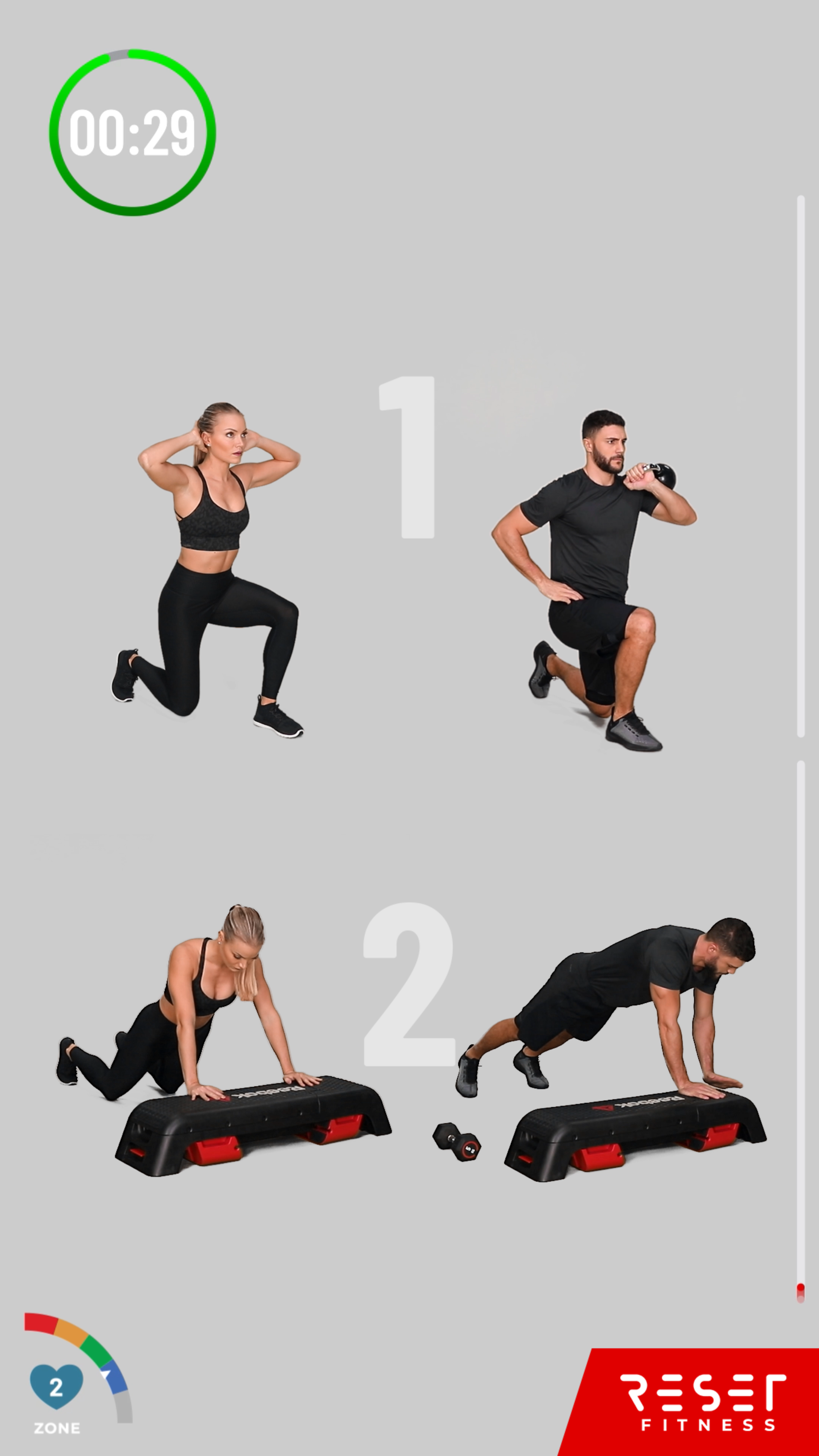
Screen 04
This is the live workout screen shown during class delivery, where members follow movements and the floor team monitors the active station content.
Audio
Connect TV1 to the Bluetooth speaker. Set the sound output for all other TVs to Optical.