Midnight Download
The Sync App downloads the required workout videos automatically at midnight for the upcoming sessions.

Guide 00
The Sync App automatically downloads workout videos at midnight and helps restore missing content before the TV App is relaunched.
The Sync App downloads the required workout videos automatically at midnight for the upcoming sessions.
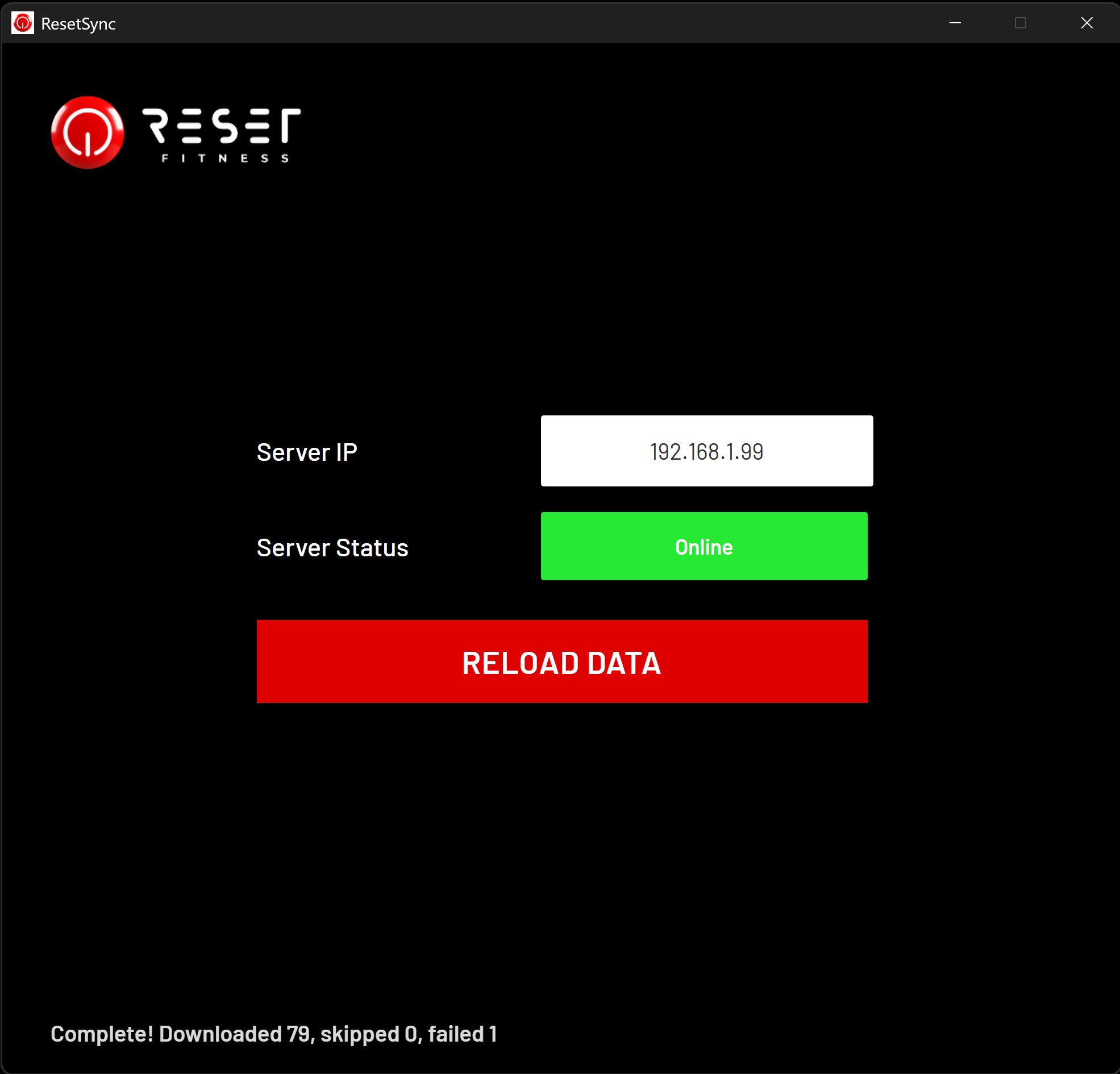
Go to the sync system and confirm whether the Sync App is running and the server status is online.
Use Reload Data only when videos are missing or content has not downloaded correctly.
Wait until the app shows Next Download or a completed download message with 0 failed.
Visual Walkthrough
This view helps operators identify the server connection, confirm the app is online, and understand when to use Reload Data.
Screen 01
The Sync App shows the server IP, online status, and the Reload Data action used only when the expected videos are missing.
The Sync App is expected to download the required workout content automatically at midnight for the next operating day.
Reload should be treated as a recovery action, not a normal daily operating step.
Once downloads are confirmed, relaunch the TV App in order and verify playback has returned.